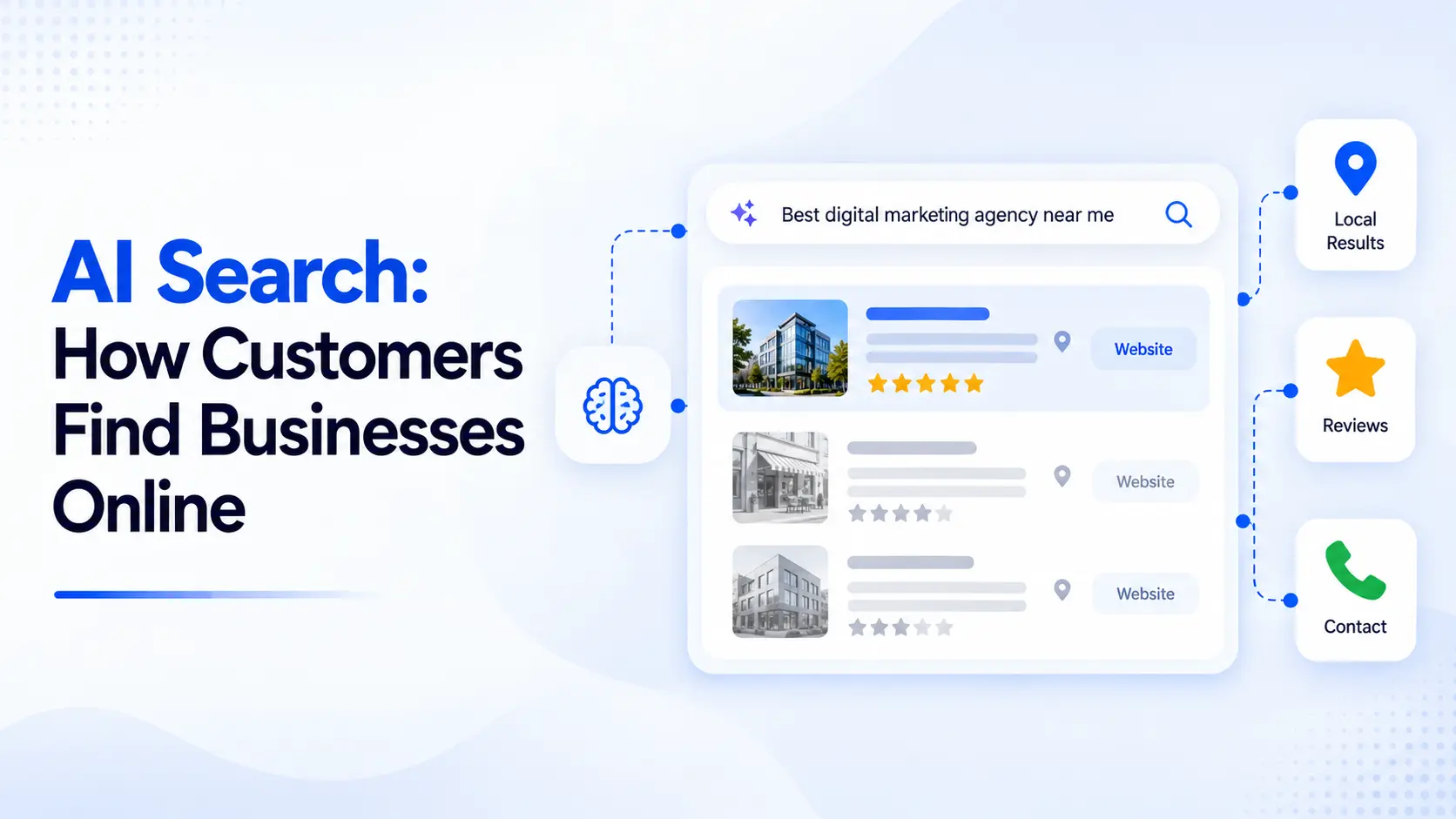
Imagine a potential customer asking ChatGPT, “Which digital marketing agencies offer SEO and paid advertising services for small businesses in Noida?”
Instead of scrolling through several search results, the customer may receive a list of relevant businesses, compare their services, and visit their websites.
But what happens if your business information is outdated, incomplete, or missing?
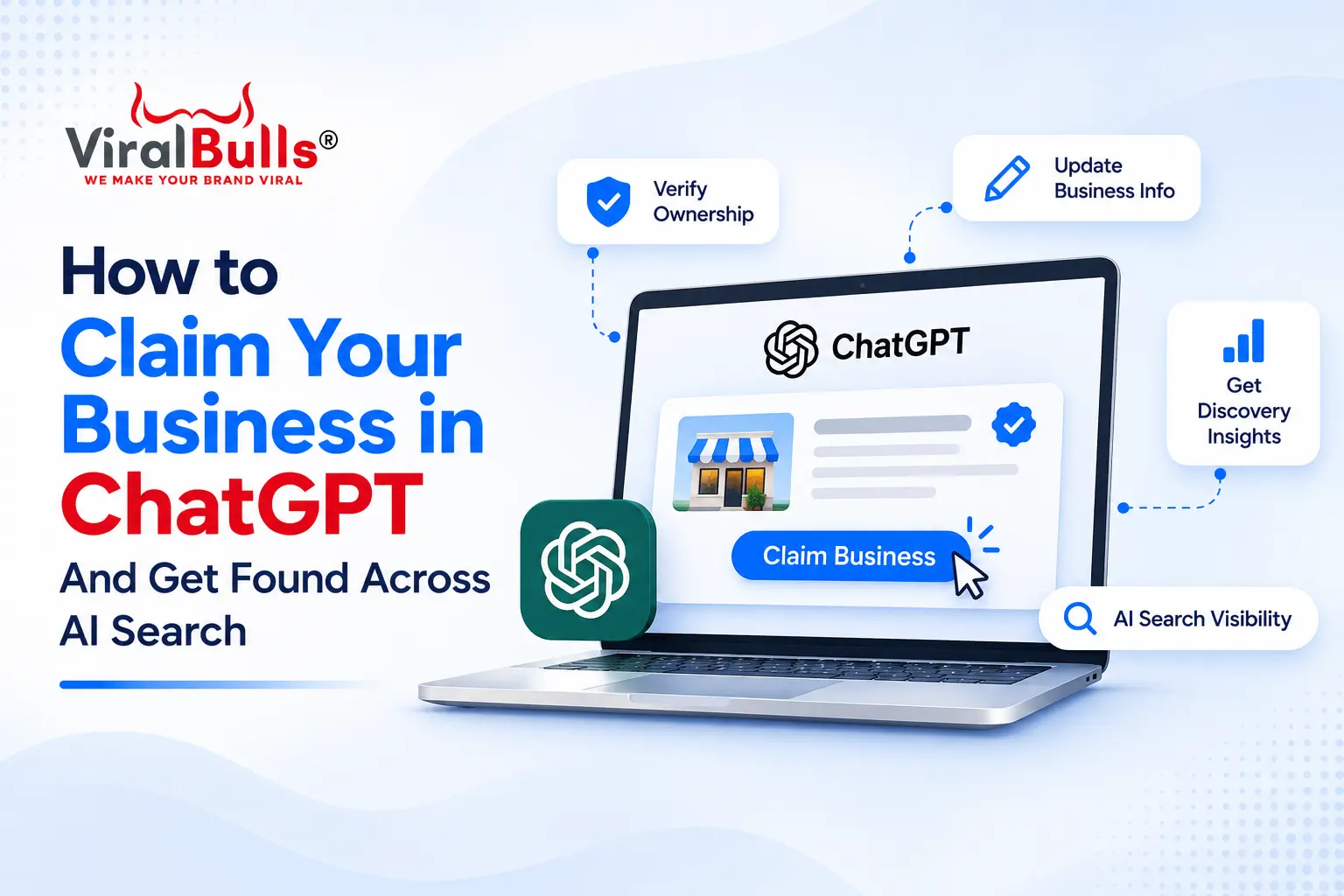
On November 10, 2026, OpenAI introduced Businesses in ChatGPT, a new beta feature that allows eligible businesses to claim their profiles, manage important information, and understand how people discover them through ChatGPT.
For business owners, this introduces a new responsibility alongside traditional SEO and Google Business Profile management.
If you want to claim ChatGPT Business Profile, you now have an official process to follow. However, verification and visibility are two different things.
This guide explains how to claim your business, complete verification, update your profile, and improve your chances of being discovered across AI-powered search platforms.
What Is a ChatGPT Business Profile?
A ChatGPT Business Profile is a business listing that can contain information about a company, its website, products, services, and other relevant details.
OpenAI’s new Business Hub allows authorized representatives to claim eligible ChatGPT Business Profile and manage their information after verification.
Previously, businesses had limited direct control over how their information appeared in ChatGPT responses.
With Business Hub, eligible companies can provide updated details through an official interface.
Depending on the business and available features, a verified profile can support:
- Business information management
- Product and service details
- Product feeds containing prices and availability
- Website click and business mention insights
- Discovery topic reporting
- Optional customer-facing Business Agents for eligible businesses
Importantly, a ChatGPT Business Profile is different from a ChatGPT Business subscription, which provides a collaborative workspace for employees.
Why Should Businesses Claim Their ChatGPT Business Profile?
Customer research is changing.
People increasingly use conversational questions to compare products, understand services, and identify suitable businesses.
For example, a customer might ask:
“Which packaging companies in India manufacture labels for cosmetic products?”
“Find a salon that offers professional hair treatments in Greater Noida.”
“What should I consider when choosing a digital marketing agency?”
These searches contain more context than conventional keyword queries.
Claiming your ChatGPT Business Profile gives your business a way to provide accurate information through ChatGPT Business Hub.
Better Control Over Business Information
Once verification is approved, businesses can submit updates to their descriptions, websites, categories, and other supported details.
This helps reduce the risk of outdated information appearing in business profiles.
However, ChatGPT may continue using other sources when answering questions.
Access to Business Discovery Insights
Business Hub provides aggregated information about business mentions, website clicks, and discovery topics.
These insights can help companies understand which subjects are associated with their businesses.
Improved Customer Research Experience
Accurate descriptions, product details, and policies make it easier for potential customers to understand what a business offers.
Claiming a ChatGPT Business Profile does not guarantee more recommendations, but maintaining reliable information is useful for customers researching a company.
How to Claim Business in ChatGPT: Step-by-Step Guide
OpenAI has introduced an official verification process through Business Hub.
Here is how eligible business owners can get started.
Step 1: Open ChatGPT Business Hub
Visit the official Businesses in ChatGPT page: Here
Select the option to claim your ChatGPT Business Profile.
Alternatively, sign in to ChatGPT and open Business Hub from the sidebar, where available.
You must use an account authorized to represent the business.
Step 2: Search for Your Business
Inside Business Hub, search for your company using its business name.
If your business appears, select the correct listing.
Check that the business name and other available details match your organization.
If you cannot find your company, an option to add a business may be available depending on eligibility.
OpenAI currently limits new local store and restaurant claims to existing eligible U.S. listings. Online businesses may have different options.
Step 3: Choose a Business Verification Method
After selecting the business, choose one of the verification methods offered.
Depending on the listing, these may include:
Business phone verification: Receive a verification code through SMS or an automated call.
Business email verification: Receive a code at an email address associated with the company.
Website domain verification: Add the supplied TXT record to your domain’s DNS settings.
Shopify verification: Connect an eligible Shopify store to confirm your business relationship.
The available methods depend on the business listing.
Step 4: Submit Your Claim for Approval
Complete the required verification steps and submit the claim.
OpenAI reviews the request and may ask for additional information.
Submitting a claim does not immediately grant permission to manage the business profile.
Wait for confirmation before proceeding.
Step 5: Complete Persona Identity Verification
After claim approval, business representatives must complete identity verification through Persona before publishing profile changes or accessing insights.
This is separate from verifying the business phone, email, website, or Shopify store.
Depending on the situation, Persona may request:
- Government-issued identification
- Legal business registration details
- Proof of authorization to represent the company
Use the legal business name shown in your registration documents.
Once Persona verification is approved, the profile can display a verified badge.
Step 6: Update Your Business Information
After both verification stages are approved, open your business profile and review the available fields.
You may be able to update your business description, website, product or service category, logo, cover image, and applicable policies.
Ensure the information is accurate and consistent with your website.
OpenAI reviews submitted changes, and updates may take time to appear.
ChatGPT Business Profile Claim: What Information Should You Optimize?
Completing the ChatGPT Business Profile Claim process is only the beginning.
Your profile should help customers understand your business without confusion.
Business Name
Use the name customers recognize and that matches your official business identity.
Avoid adding unnecessary keywords to the business name.
For example, a company named ViralBulls should not rename itself to include a long list of marketing services simply to attract searches.
Business Description
Write a clear description explaining what the company does and whom it serves.
For example:
“ViralBulls is a digital marketing agency providing search engine optimization, paid advertising, social media marketing, and website development services for businesses.”
This communicates the company’s services without unnecessary repetition.
Website and Service Information
Ensure your website URL is correct and that important service pages are accessible.
A customer researching SEO services should be able to find a relevant page explaining the service.
Product Details and Policies
Ecommerce businesses should maintain accurate product information, prices, availability, delivery terms, and return policies.
Where supported, businesses can connect a product feed to provide structured product information.
Does Claiming Your Business Improve ChatGPT Rankings?
This is one of the most important questions for business owners.
Claiming your business does not guarantee higher visibility or preferential placement in ChatGPT answers.
OpenAI explicitly states that claiming or disputing ownership does not change a business’s visibility.
A verified profile allows a business to manage information and access eligible features.
It should not be treated as a paid ranking service or a shortcut to recommendations.
ChatGPT can use multiple information sources when answering questions.
Therefore, businesses should continue improving their websites, publishing useful information, and maintaining accurate details across relevant platforms.
How to Get Found Across AI Search Platforms
Claiming your business in ChatGPT addresses one part of AI search visibility.
Customers may also use Google AI Overviews, Gemini, Perplexity, and other search experiences.
A ChatGPT claim does not automatically create verified profiles across those services.
Businesses need a broader strategy.
1. Strengthen Your Website’s SEO Foundation
AI-powered search systems can use publicly available website information when generating responses.
Make important service and product pages accessible to search engines.
Review technical SEO issues, indexing, internal links, page titles, and content quality.
2. Create Content Around Customer Questions
Instead of focusing exclusively on short keywords, address the questions customers ask before making decisions.
A packaging manufacturer could publish articles about choosing label materials, preventing label application failures, or comparing packaging finishes.
A digital marketing agency could explain campaign costs, conversion tracking, and SEO strategy.
Useful answers create opportunities for discovery during detailed customer research.
3. Maintain Consistent Business Information
Review your website, Google Business Profile, relevant directories, and industry listings.
Ensure business names, locations, contact details, and services remain accurate.
Inconsistent information can confuse customers and make it harder to establish a reliable online presence.
4. Publish Evidence of Your Expertise
Case studies, project examples, original research, and detailed service explanations can help customers evaluate your business.
For example, a marketing agency could explain how it improved lead quality by restructuring a campaign and correcting conversion tracking.
Include genuine results and sufficient context rather than unsupported performance claims.
5. Use Relevant Structured Data
Structured data can help search engines interpret certain website details.
Depending on the website, appropriate schema markup may include Organization, LocalBusiness, Product, or other supported types.
Structured data does not guarantee inclusion in AI-generated answers.
6. Keep Important Information Updated
Review service descriptions, product availability, business hours, and policies regularly.
Outdated information can affect customer decisions regardless of which search platform they use.
How to Track Business Visibility in ChatGPT
Once the claim and Persona verification are approved, eligible businesses can access Insights in Business Hub.
OpenAI currently provides aggregated reporting covering the previous 28 days.
Business Mentions
For online businesses, a mention is counted when ChatGPT references the business’s website.
For local businesses, a mention may be counted when ChatGPT displays the relevant location result.
These definitions matter when interpreting reports.
Website Clicks
This metric indicates how often people click through to the business website from supported ChatGPT experiences.
Businesses can compare this information with their website analytics, while recognizing that attribution methods may differ.
Discovery Topics
Discovery topics show common themes associated with conversations in which a business appears.
These insights can help identify subjects customers research.
They do not reveal individual customer questions or private conversations.
Metrics may also be unavailable when reporting thresholds have not been met.
What Is a ChatGPT Business Agent?
OpenAI has also introduced Business Agents, allowing eligible businesses to provide a conversational experience within ChatGPT.
A Business Agent can answer questions using business-provided information about products, services, and policies.
For example, an ecommerce customer could ask about product differences, shipping conditions, or return eligibility.
The agent’s conversation is separate from ChatGPT’s independent answers and is clearly identified.
As of November 2026, Business Agents are available to eligible ecommerce and online service businesses in the United States.
Not every verified business can create one.
Businesses must meet the applicable eligibility requirements and complete the necessary verification.
Common Mistakes to Avoid When Claiming Your Business
Assuming Verification Guarantees Recommendations
A verified profile confirms an approved business identity. It does not guarantee inclusion in relevant ChatGPT answers.
Using Incorrect Business Information
Ensure the legal business name and registration details match official records during verification.
Use appropriate fields for trade names or customer-facing brand names.
Ignoring Website Quality
A claimed profile cannot replace a useful website.
Customers still need accessible information about services, products, pricing, and business policies.
Confusing Business Hub With ChatGPT Business
Business Hub manages business discovery information.
ChatGPT Business is a separate paid workspace product for organizational collaboration.
Expecting Immediate Reporting
Business Hub insights depend on available activity and privacy thresholds.
A blank report does not necessarily mean the business has received no exposure.
Conclusion
OpenAI’s introduction of Businesses in ChatGPT gives eligible companies a direct way to manage information within a growing AI-powered discovery platform.
The process involves finding the business listing, verifying ownership, receiving claim approval, and completing Persona identity verification.
Once approved, businesses can update supported information and review aggregated discovery insights.
However, claiming a profile is not a substitute for SEO, accurate business listings, or useful website content.
Businesses that want to improve their visibility across AI search should combine profile management with strong technical SEO, informative content, and consistent online information.
Frequently Asked Questions
1. How do I claim my business in ChatGPT?
Open Business Hub, search for your company, select the correct listing, and complete an available business verification method. After claim approval, complete Persona identity verification to manage your profile and access insights.
2. Is the ChatGPT Business Profile Claim free?
OpenAI does not require an Ads account or ChatGPT Enterprise agreement to claim an eligible business. Business profile claiming is separate from paid ChatGPT Business workspace subscriptions.
3. Can Indian businesses claim their profiles in ChatGPT?
OpenAI states that eligible businesses can claim profiles in locations where ChatGPT is available and supported verification methods exist. However, availability depends on business type and location. New local store and restaurant listings currently have additional U.S.-specific restrictions.
4. Does claiming a business improve its ranking in ChatGPT?
No ranking improvement is guaranteed. OpenAI states that claiming ownership does not change a business’s visibility in ChatGPT.
5. Can I claim a business without a Shopify store?
Yes. Shopify is one supported verification method, but eligible businesses may also verify through a business phone, email, or website domain.
6. What happens if my business is already claimed?
Business Hub provides a Dispute ownership option. Authorized representatives can follow the dispute process and complete the required identity verification.
7. How long does ChatGPT business verification take?
OpenAI has not established one universal approval time. Reviews and DNS verification may take time, and additional documentation may be requested.
8. Can I update my business description after claiming?
Yes. Once the claim and Persona verification are approved, businesses can submit changes to supported profile fields. OpenAI reviews updates before publishing them.
9. Can ChatGPT Business Hub show customer searches?
Business Hub provides aggregated mentions, website clicks, and discovery topics. It does not disclose individual user prompts or private conversations.
10. Is claiming a business in ChatGPT enough for AI SEO?
No. Businesses should also maintain a technically accessible website, publish useful content, keep information consistent across relevant platforms, and monitor their organic search performance.
Also Read: What Is Meta Andromeda 2.0 Update? What Has Changed & What to Do Now?